
Hiring the wrong web designer is expensive. You lose money, you lose months, and worse, you often end up with a website you can’t even edit yourself. The good news? Most of these disasters can be avoided by asking the right questions to ask a web designer before you sign anything.
This is the practical checklist we wish every business owner had in hand before their first discovery call. No jargon, no fluff, just the 15 questions that actually matter, plus what a good answer sounds like.
Why Asking the Right Questions Matters
A website is not a one-off purchase. It is a business asset that needs to be maintained, updated, and owned by you. When clients come to us after a bad experience, the root cause is almost always the same: they never asked the hard questions upfront. They trusted a portfolio, signed a quote, and hoped for the best.
The questions below cover the five areas where projects usually fall apart:
- Pricing and scope
- Timeline and process
- Ownership and access
- Revisions and communication
- Post-launch support
The 15 Questions to Ask a Web Designer Before Starting
Pricing and Scope
1. What exactly is included in your quote?
Ask for a written breakdown. Design, development, copywriting, images, SEO setup, hosting, and training should all be listed as included or excluded. Vague quotes are where scope creep and surprise invoices are born.
2. What happens if the scope changes mid-project?
A professional designer will have a change request process with clear hourly rates or fixed add-on pricing. If they shrug and say “we’ll figure it out”, that is a red flag.
3. Are there any recurring costs I should plan for?
Hosting, domain renewal, premium plugins, licences, email services, maintenance retainers. Get the full annual picture before signing.
Timeline and Process
4. What is your typical project timeline?
For a standard business website in 2026, expect between 4 and 10 weeks depending on complexity. If someone promises 5 days for a full custom site, ask what they are cutting corners on.
5. What do you need from me, and when?
Delays are almost always caused by the client not delivering content or feedback on time. A good designer will hand you a schedule with your deadlines clearly marked.
6. Can you walk me through your design process?
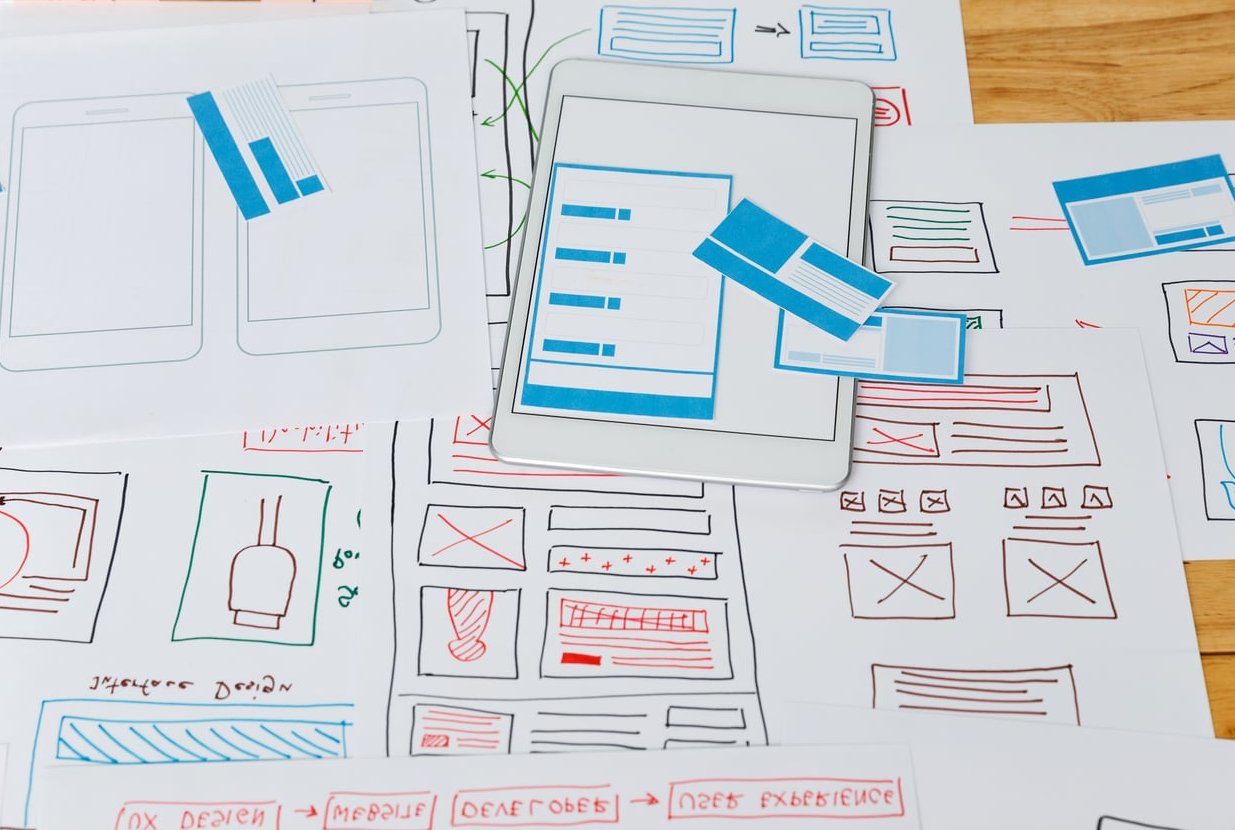
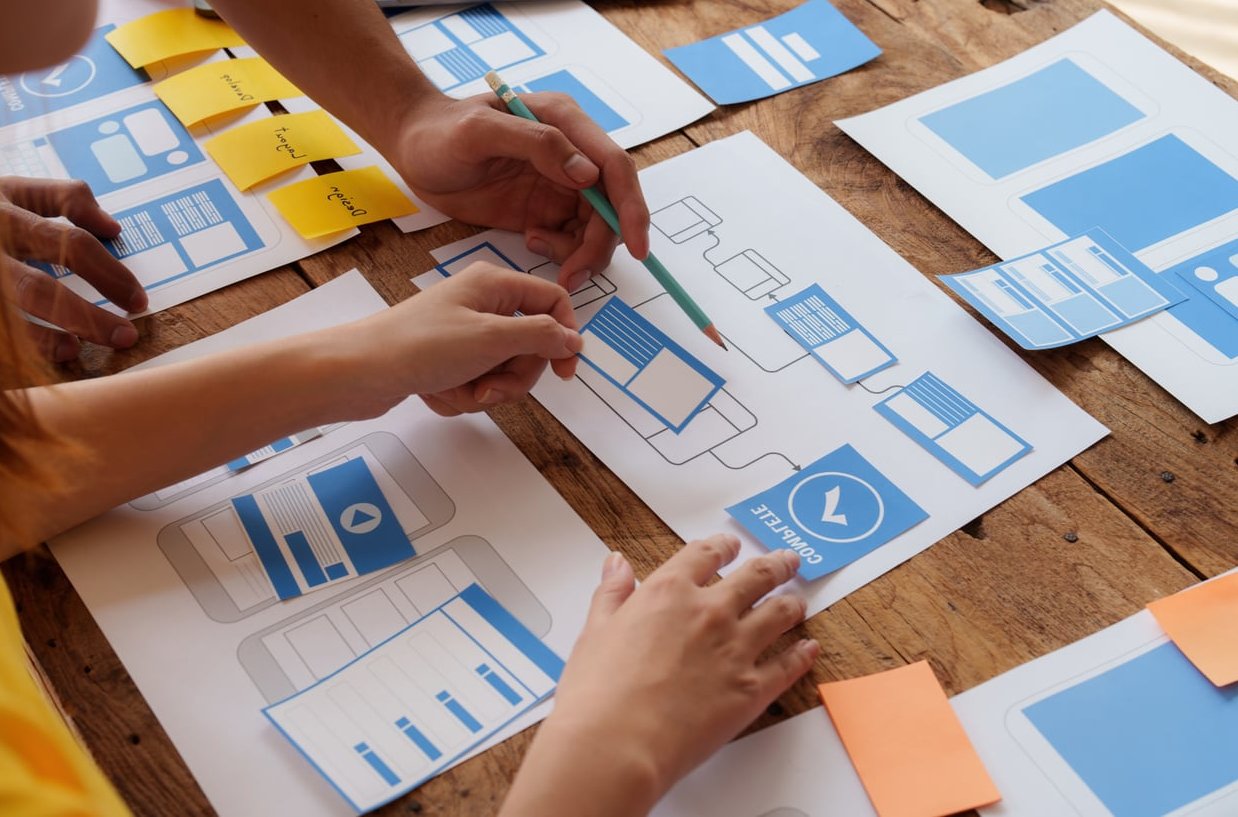
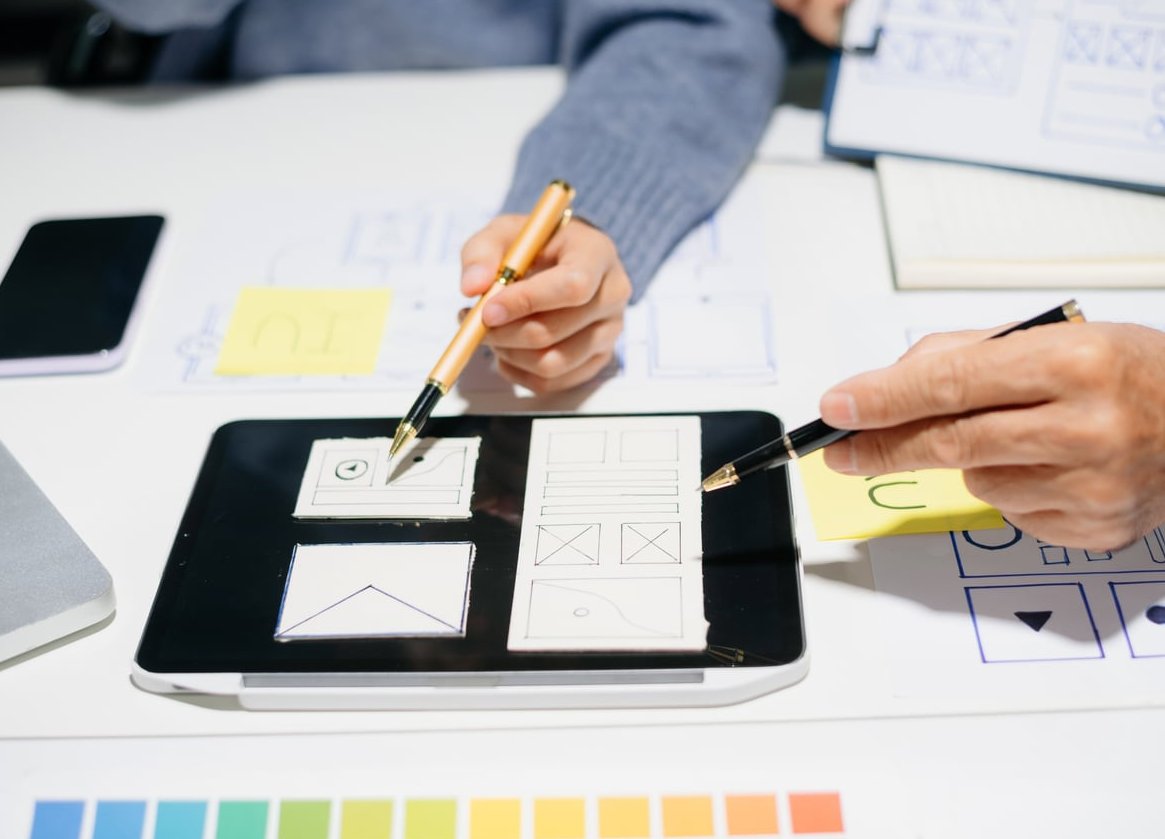
Look for a structured process: discovery, wireframes, design mockups, development, testing, launch. If they skip discovery and jump straight into design, they are designing blind.
Ownership and Access
7. Who owns the website, the domain, and the code once it is launched?
You should own everything. The domain, the hosting account, the design files, the content, and the code. Get this in writing. Some agencies keep hostage of your domain to prevent you from leaving.
8. What platform will you build on, and why?
WordPress, Webflow, Shopify, custom, they all have trade-offs. The right answer depends on your goals. What you want to hear is a reasoned justification, not “because that’s what we always use”.
9. Will I be able to edit the website myself after launch?
If you need to update a phone number or add a blog post, can you do it without calling the agency? If the answer is no, or “it will cost you”, walk away.
Revisions and Communication
10. How many rounds of revisions are included?
Most reputable designers include 2 to 3 rounds per stage. Beyond that, expect hourly billing. Unlimited revisions sounds great but usually means the designer padded the price to cover it.
11. Who will be my point of contact, and how often will we communicate?
Weekly check-ins? Slack channel? Email only? Know who to call when something breaks and how quickly they respond.
Post-Launch Support
12. What happens the day after launch if something breaks?
Ask about their warranty period. A 30 to 60 day bug-fix window is standard. Beyond that, what does ongoing support cost?
13. Do you offer maintenance packages, and what do they include?
Updates, backups, security monitoring, uptime checks, minor content edits. Know what is bundled and what is billed extra.
14. Will the site be built for SEO and performance from the start?
Core Web Vitals, mobile speed, semantic HTML, schema markup, proper heading structure. These are baseline in 2026, not premium add-ons.
15. Can I speak to two or three past clients?
Portfolios show the pretty side. Client references reveal what it was actually like to work with them. A confident designer will happily connect you.
Quick Reference Table
| Category | Key Question | Red Flag Answer |
|---|---|---|
| Pricing | What is included in your quote? | “Everything you need” |
| Timeline | Typical project length? | Unrealistically short |
| Ownership | Who owns the domain and code? | “We handle all that for you” |
| Revisions | How many rounds included? | Vague or unlimited |
| Support | What happens post-launch? | No warranty period |

Bonus: 3 Red Flags That Should End the Conversation
- They won’t put anything in writing. A verbal agreement is worthless when a dispute arises.
- They refuse to give you admin access to your own site. This is a control tactic, not a service.
- The price is dramatically lower than every other quote. Cheap websites are the most expensive thing you will ever buy, because you pay twice: once to the first designer, and again to whoever fixes it.

How to Use This Checklist
Copy these 15 questions into a document. Send them to two or three designers you are considering, and ask for written answers. Compare side by side. The designer who answers thoroughly, honestly, and without dodging is almost always the one you should hire, even if they are not the cheapest.
Your website is going to represent your business for the next 3 to 5 years. Spending an extra hour on due diligence now saves months of headaches later.
Frequently Asked Questions
What is the most important question to ask a web designer?
“Who owns everything when the project is finished?” If you don’t own your domain, hosting account, and website files, you don’t really have a website, you are renting one.
How much should a professional website cost in 2026?
For a small business, expect a range between 3,000 and 15,000 euros for a custom design. E-commerce and larger corporate sites can go much higher. Prices below 1,000 euros usually mean templates with minimal customisation.
Should I hire a freelancer or an agency?
Freelancers are typically cheaper and more flexible, agencies offer more resources and continuity if a team member leaves. Ask the same 15 questions to both, the answers will help you decide.
How long should a website project take?
A typical small business site takes 4 to 10 weeks from kickoff to launch, assuming you respond to feedback within a few days. Delays on your side directly extend the timeline.
What if the designer refuses to answer some of these questions?
That is your answer. A professional welcomes these questions because they show you are a serious client. Anyone who dodges them is hiding something you will eventually discover the hard way.